Install examples
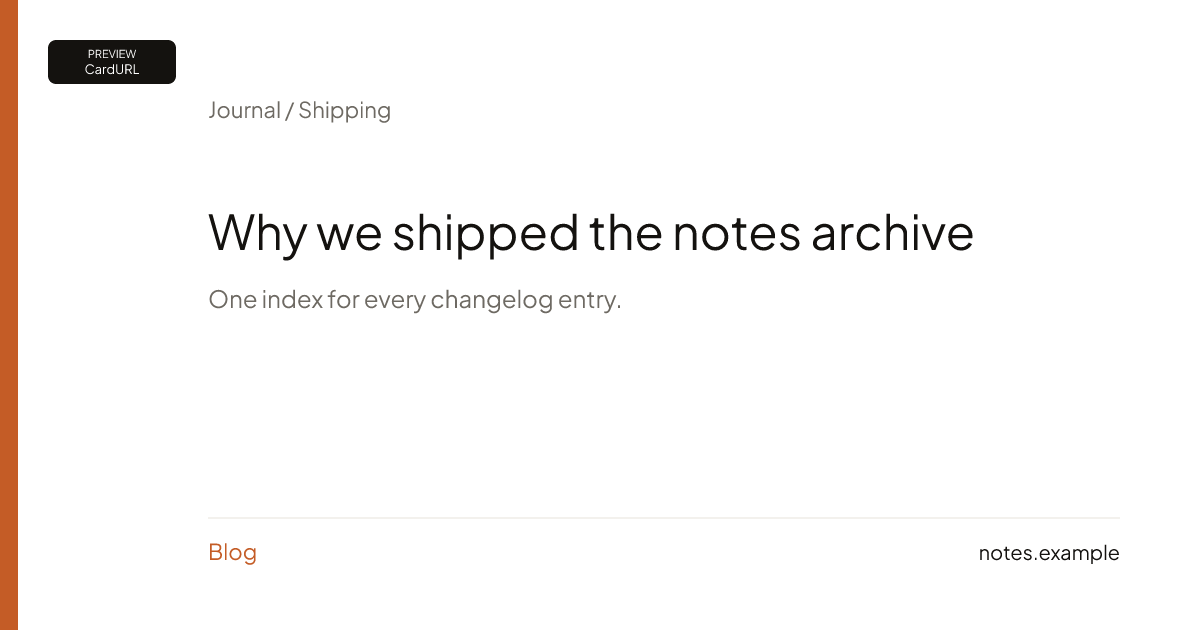
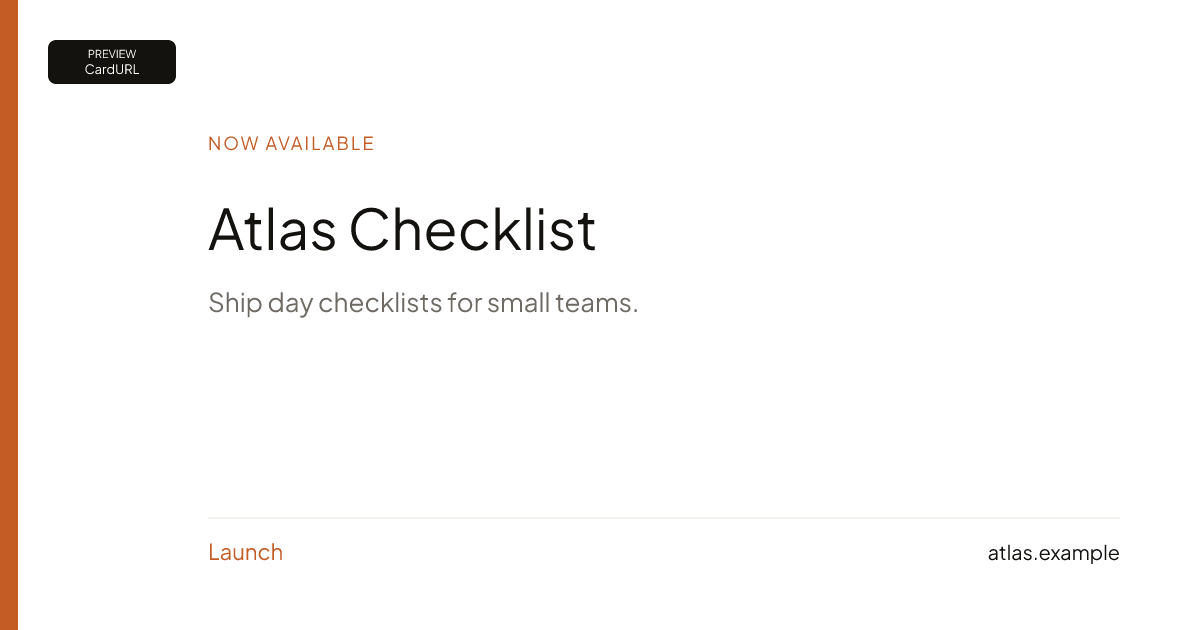
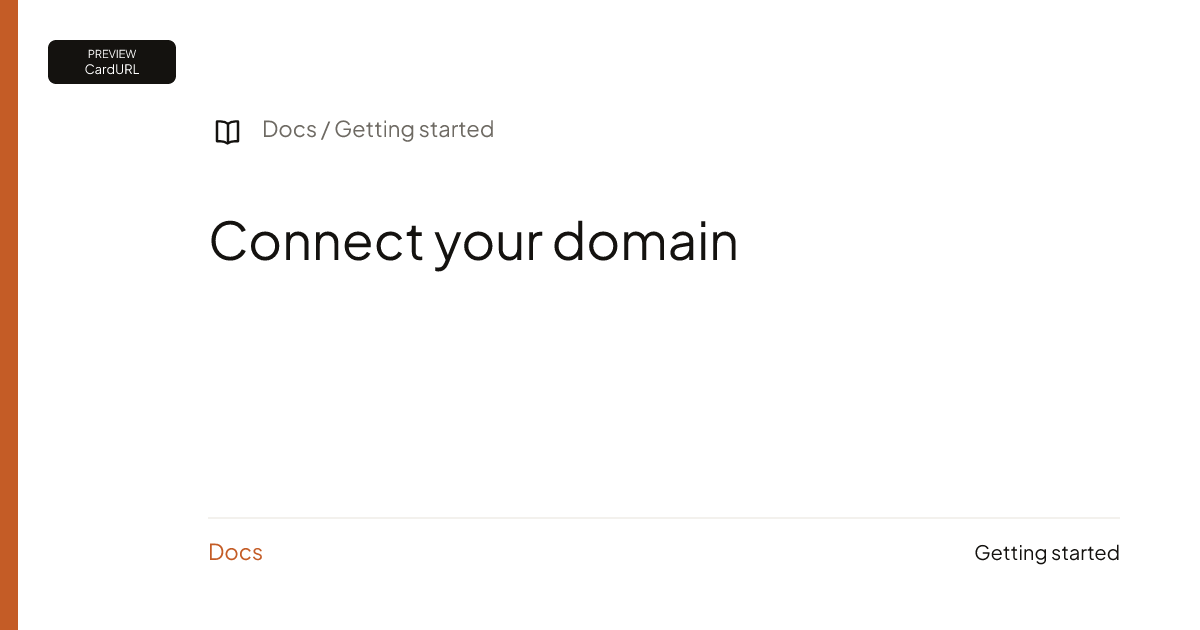
Replace YOUR_SITE_KEY with the key from Checkout. Templates: blog, launch, changelog, docs.
HTML
One page, one og:image URL. Repeat the pattern on every page you care about.
<!doctype html>
<html lang="en">
<head>
  <meta charset="utf-8"/>
  <title>Ship it</title>
  <meta property="og:title" content="Ship it"/>
  <meta property="og:description" content="A post on your site."/>
  <meta property="og:image" content="https://cardurl.dev/og/YOUR_SITE_KEY/blog?title=Ship+it"/>
  <meta property="og:image:width" content="1200"/>
  <meta property="og:image:height" content="630"/>
</head>
<body>
  <h1>Ship it</h1>
</body>
</html>
Next.js
App Router generateMetadata builds a per-page image URL. This is not a site-wide set-once. Each route that should show a card needs its own URL (title, template, query).
import type { Metadata } from "next";

export async function generateMetadata(): Promise<Metadata> {
  const title = "Ship it";
  return {
    title,
    openGraph: {
      title,
      images: [
        {
          url: `https://cardurl.dev/og/YOUR_SITE_KEY/blog?title=${encodeURIComponent(title)}`,
          width: 1200,
          height: 630,
        },
      ],
    },
  };
}
WordPress
There is no CardURL WordPress plugin and no site-wide automation. In Yoast or Rank Math, open the post → Social → Image URL, and paste that post’s CardURL URL. Repeat per post or page.
Yoast / Rank Math → Social → Image URL
https://cardurl.dev/og/YOUR_SITE_KEY/blog?title=Ship+it
More: Getting started.
Demonstration cards
Sample titles for the four templates. Not customer work.